
Get paid
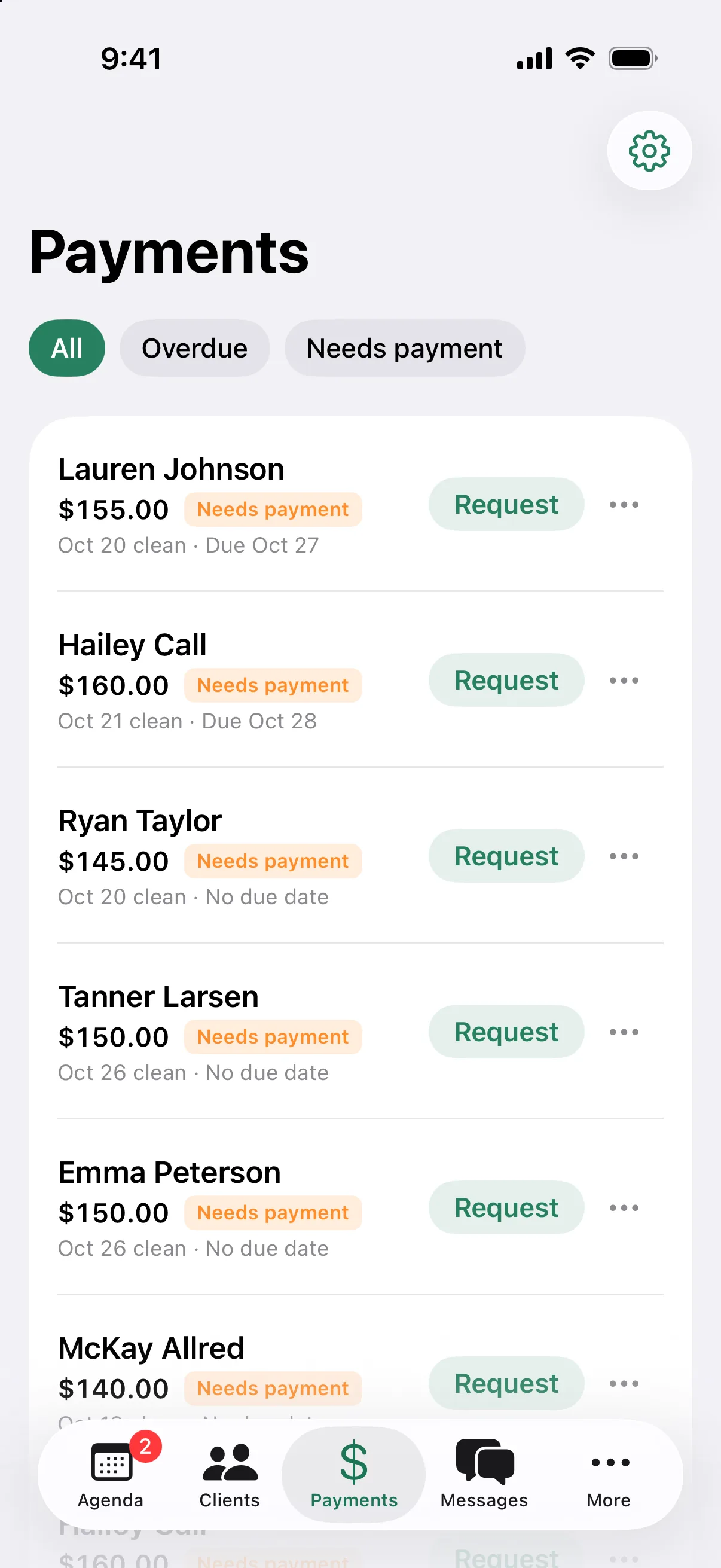
Bill the clean the day you do it.
The client, the home, and the price are already in Cleanbook. When the cleaning is done, the invoice is one click away, and the client can pay from their phone.
14 days of Pro, free. No card to start.
For your clients
A pay link that works on any phone.
Clients open the link and pay by card. No account, no app. They can add a tip, and save their card for next time.
- Cards through Stripe. Apple Pay and Google Pay if you turn them on in Stripe
- Venmo, with the tip included
- Tips of 15, 20, or 25 percent, or a custom amount
- An optional card surcharge, up to 4 percent, set by you
- An emailed receipt with your logo when they pay by card
For you
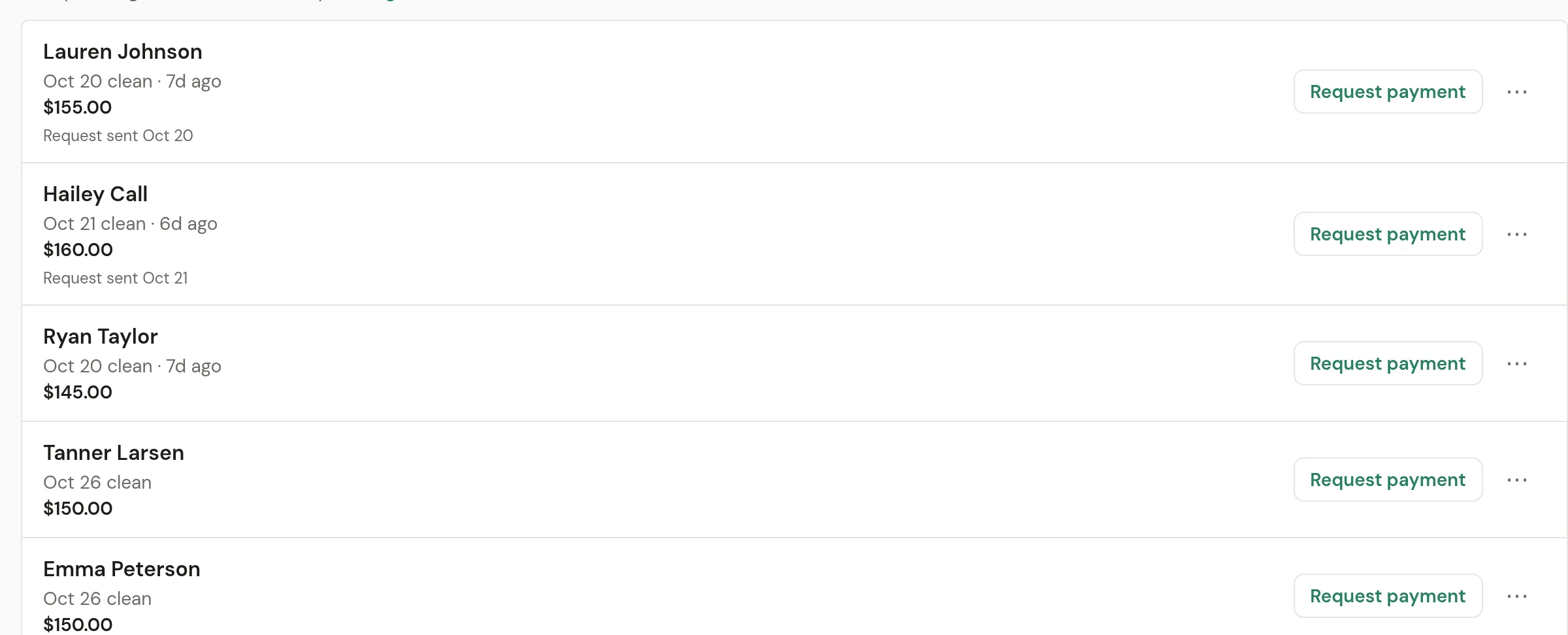
Less chasing.
Invoices, card payments, and cards on file are on both plans.
Invoice from the cleaning
Create a draft from a finished job in one click. Add lines for extras like the inside of the fridge.
Charge the card on file
Clients can save a card when they confirm a cleaning. Charge it for the invoice without sending anything.
Cancellation fees
If a client agreed to your cancellation policy and cancels late, charge the fee to their saved card. They get an email.
Ask for payment when the job is donePro
Turn it on once. When a cleaning is marked done, the client gets a text with the pay link.
Invoice reminder textsPro
Optional reminders 3 days before the due date, on the due date, and 3 days late. Change the timing or the wording.
Cash, check, and Venmo
Mark an invoice paid by any method, with the tip. Your cleaners can mark it paid on a job they finished.
Pro Texting is on Pro and needs a business number. See Texts.
Reports
Know what came in and what is still out.
Pick a range: this month, last month, the last 30 or 90 days, the year so far, or your own dates. Reports are for owners only.
- Collected, invoiced, unpaid now, and tips
- Cleanings completed, cancelled, and the average per cleaning
- Revenue over time and by payment method
- Top clients, new clients, and totals by cleaner
- Every report downloads as a CSV
What it costs to get paid
One rate for cards, shown up front. You connect your own Stripe account, and payouts go to your bank from Stripe.
- Card payments
- 3.4% + $0.30
- Venmo and cash
- $0
Getting-paid questions
How can my clients pay?
By card through Stripe, including Apple Pay and Google Pay if you turn them on in Stripe. You can also take Venmo, and mark cash or check payments as paid.
What does it cost to take cards?
Card payments are 3.4% + $0.30. Venmo and cash are $0. You can add an optional card surcharge of up to 4% to cover it.
Can I charge a card on file?
Yes. When a client confirms a cleaning, they can save a card. You can then charge that card for an invoice, or for a cancellation fee if they agreed to your policy.
Which plan includes invoicing?
Both. Invoices, pay links, card payments, tips, cards on file, and cancellation fees are on Starter and Pro. Sending the pay link or invoice reminders by text is on Pro, because texting is.
Does this replace my bookkeeper?
No. Cleanbook sends the bill and records the payment. Reports show what came in and what is still unpaid, and every report downloads as a CSV for your bookkeeper.
Send this week's invoices from the schedule.
Invoicing and card payments are on both plans. Start with a 14-day trial.
14 days of Pro, free. No card to start.